 RadioCloud
UV-K5 series TX frequency lock
Pick one of the F-Lock presets (CE, FCC, GB, etc.) on the UV-K5, K6, K1, 5R Plus and related radios such as the Radtel RT-590 and RT-600, and turn off the extended transmit switches.
All of the radios below are handled on this page. When you read the radio, the model is estimated from its firmware version.
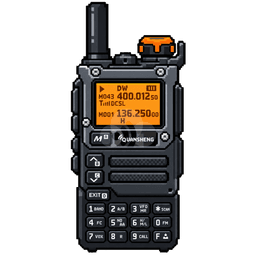 UV-K5 / UV-K5(8)Quansheng · Firmware 2.01.xVerified on a real radio
 UV-K6Quansheng · Firmware 3.00.xFirmware analysis
 UV-K1Quansheng · Firmware 7.03.xFirmware analysis · experimental
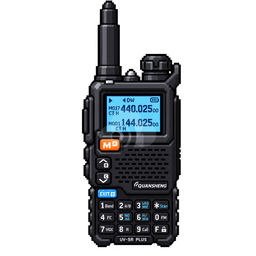 UV-5R PlusQuansheng · Firmware 4.00.xFirmware analysis
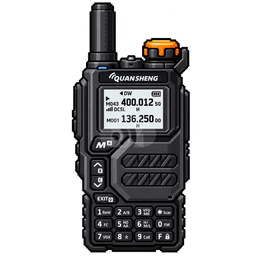 UV-K5 V3 / 5R Plus (new)Quansheng · Firmware 7.00.x · 7.01.xFirmware analysis · may not save
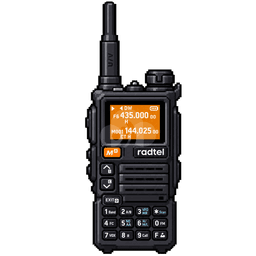 RT-590Radtel · Firmware 2.01.xFirmware analysis
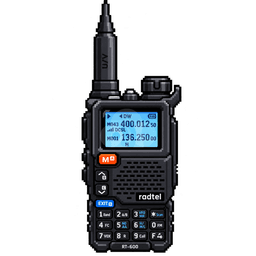 RT-600Radtel · Firmware 4.00.xFirmware analysis
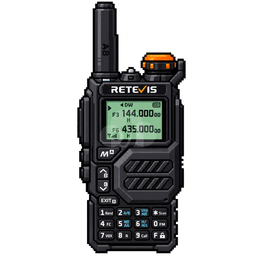 RA79RetevisListed as compatible in CHIRP
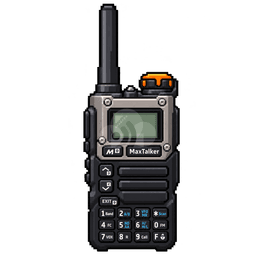 TK-6MaxTalkerListed as compatible in CHIRP
Loading the tool…
Good to know about the UV-K5 series
How the F-Lock value is interpreted by different firmware on the Quansheng UV-K5(8), UV-K6, UV-K1, UV-5R Plus and related radios such as the Radtel RT-590 / RT-600, based on the firmware code. (Korean only)→
- All of these radios use the same protocol and store F-Lock in the same place. The model is estimated from the firmware version the radio reports, and the matching preset meaning is chosen.
- The same F-Lock value means different things in different firmware. For example, value 6 is "Disable All" (no transmit) in Egzumer, but 144–148 / 430–450 MHz in the stock UV-K1 firmware.
- F4HWN firmware numbers its values differently depending on build options, so it is read/backup only.
- The calibration area is never written. Only the 128-byte block that contains F-Lock is written, in the same size CHIRP uses.
- This feature has been verified on a real radio with read, write and read-back.